Which Health Connect types become Home Assistant sensors?
25 of the 33 through the integration, 24 over MQTT. The other eight (nutrition, mindfulness, sexual activity and five cycle tracking types) are events rather than values, so they get no sensor; the integration counts mindfulness minutes per day. Workouts get a last workout sensor and the minutes of today and yesterday in the integration. A webhook of your own gets those records in full.
Can it send to Home Assistant and a webhook at the same time?
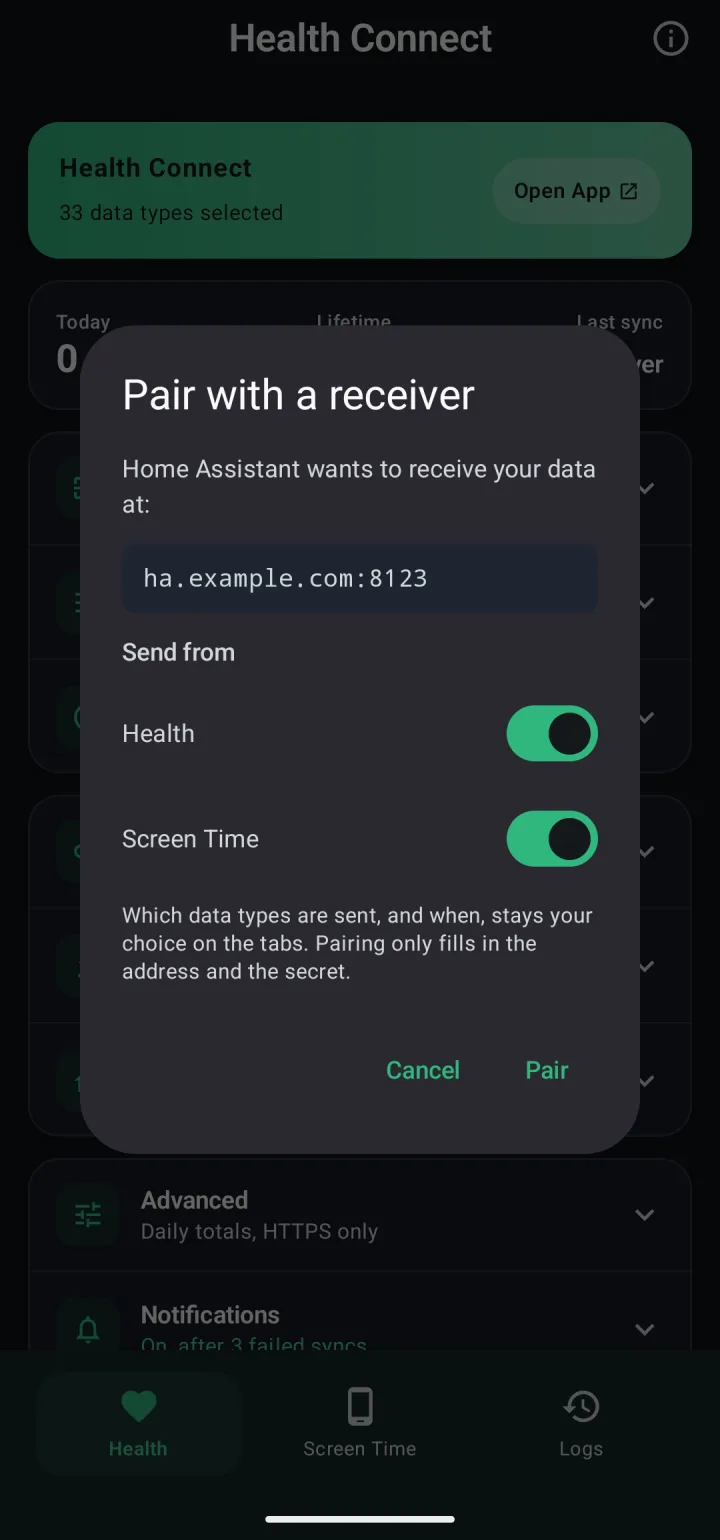
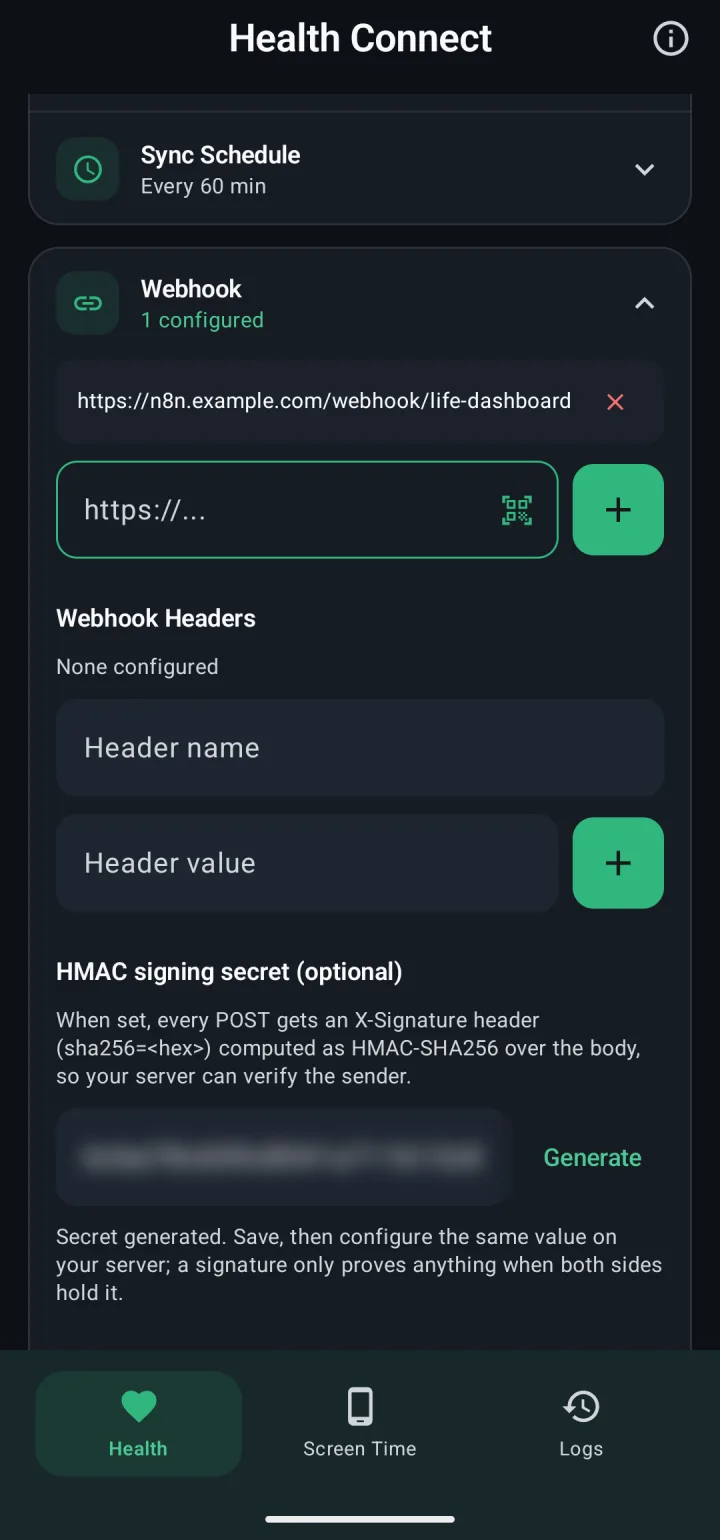
Yes, with two things to know today. Each tab keeps one signing secret, and pairing with Home Assistant sets it, so give a second receiver the same secret. And a payload counts as delivered once one destination takes it, so a destination that's down at that moment misses it. Health Connect and Screen Time can each send to several webhooks and to MQTT at once. Giving every destination its own secret and delivery is planned.
What happens when my server is down?
Each sync writes its payload to the phone first and deletes it only once a webhook has accepted it. The outbox holds up to 700 Health Connect payloads, about a week of syncs at the 15-minute interval, and the next sync that gets through delivers them first.
Can it sync at fixed times instead of an interval?
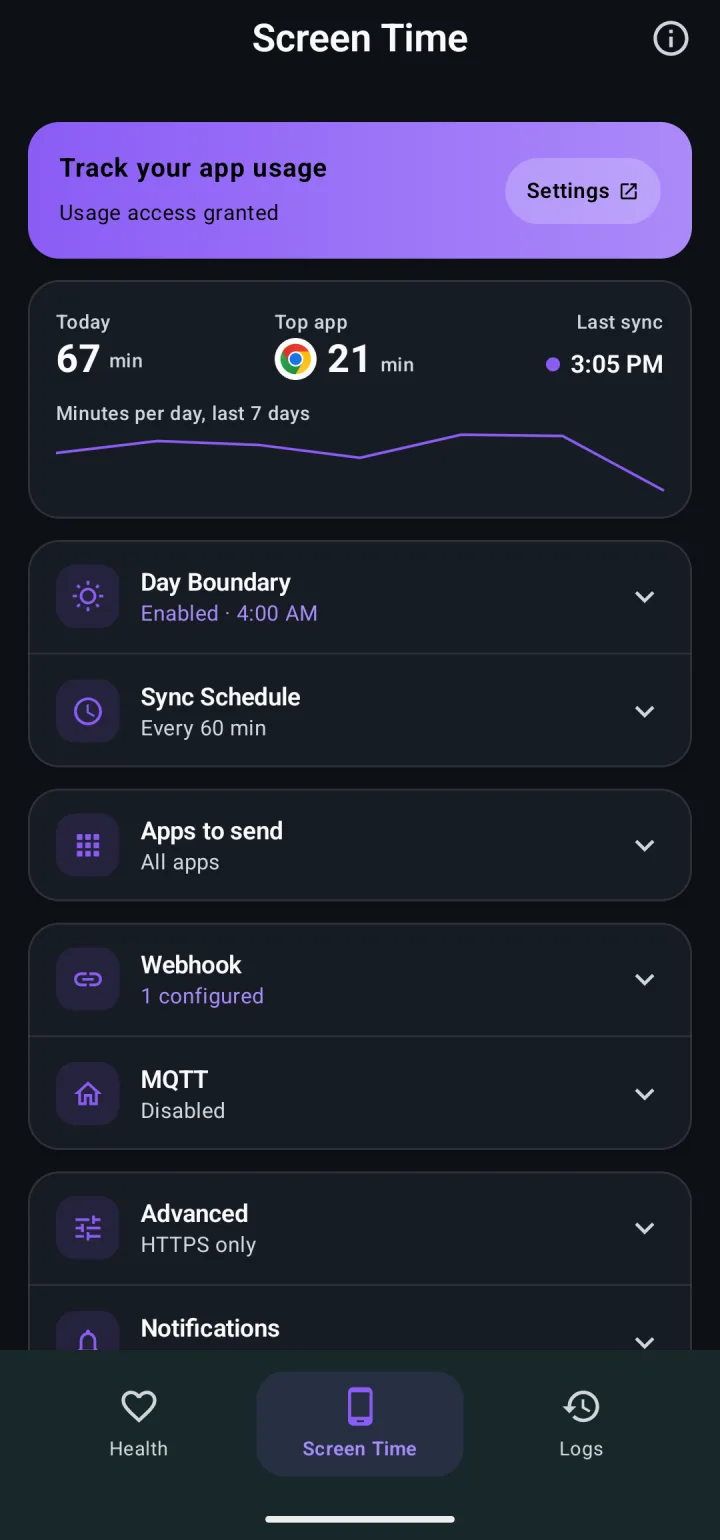
Yes. Each tab has its own Sync Schedule: every 15 minutes or longer, or a list of times, on the days you pick, with quiet hours. A Quick Settings tile, Tasker and MacroDroid can start a sync too.
Does Receive work over MQTT?
No. Readings come back in the integration's signed response to the webhook call the app already makes, so Receive needs the Life Dashboard integration. Smart scale to Samsung Health walks through the setup.
How does the app store my secrets?
Auth headers, signing secrets and MQTT passwords are encrypted with AES-256-GCM, with a key the Android Keystore holds. Android's own backup leaves them out, along with the webhook logs.
How much battery does it use?
Between syncs the app does nothing: no service keeps running and no connection stays open. Each sync is a short job that Android starts on your schedule. On Samsung, Xiaomi and similar phones, set the app's battery usage to Unrestricted, or Android stops the scheduled syncs; the setup guide has the paths per brand.
What does the app ask for, and what leaves the phone?
Health Connect read permissions for the types you switch on, write permissions only for the Receive types you switch on, usage access for screen time, the camera only while you scan a pairing code, internet access, and notifications for failed syncs and backfill progress. Data goes only to the addresses you enter. The privacy policy lists every permission and every field.
Can I switch between GitHub, Obtainium, F-Droid and Google Play later?
Yes. Every build has the same package name and is signed with the same key, so one installs over the other and your settings stay.
 Life Dashboard