 Life Dashboard
How do I export Samsung Health data to my own server?
Switch on Samsung Health's sync with Health Connect, then let Life Dashboard Companion, an open-source Android app, post the data to a URL you choose as JSON. Every sync sends the new Samsung Health and Galaxy Watch records to your database, n8n flow or script, and a backfill sends up to a year of what's in Health Connect.
Galaxy WatchSamsung HealthHealth ConnectLife Dashboard CompanionYour server
Why it goes through Health Connect
Samsung Health has no cloud API you can connect to, and Samsung's own data SDK is open only to registered partners. Samsung Health does sync with Health Connect on the phone, in both directions. Health Connect has no web API either, so an app on the phone reads it and sends it on. More on that in a web API for Health Connect or Apple Health.
What you need
- An Android phone with Android 9 or newer, Health Connect and Samsung Health. Pair your Galaxy Watch with Samsung Health for its data.
- Life Dashboard Companion for Android. Today you install the signed APK from GitHub, or through Obtainium, which keeps it up to date. Google Play is in closed testing, and F-Droid is reviewing the app.
- A server that accepts a JSON POST over HTTPS, with a body limit of at least 10 MB. Plain HTTP on your own network needs Allow plain HTTP webhooks under Advanced.
Set it up
- In Samsung Health, go to Settings > Health Connect, tap Get started, choose the data and tap Allow. Reading and writing are granted separately.
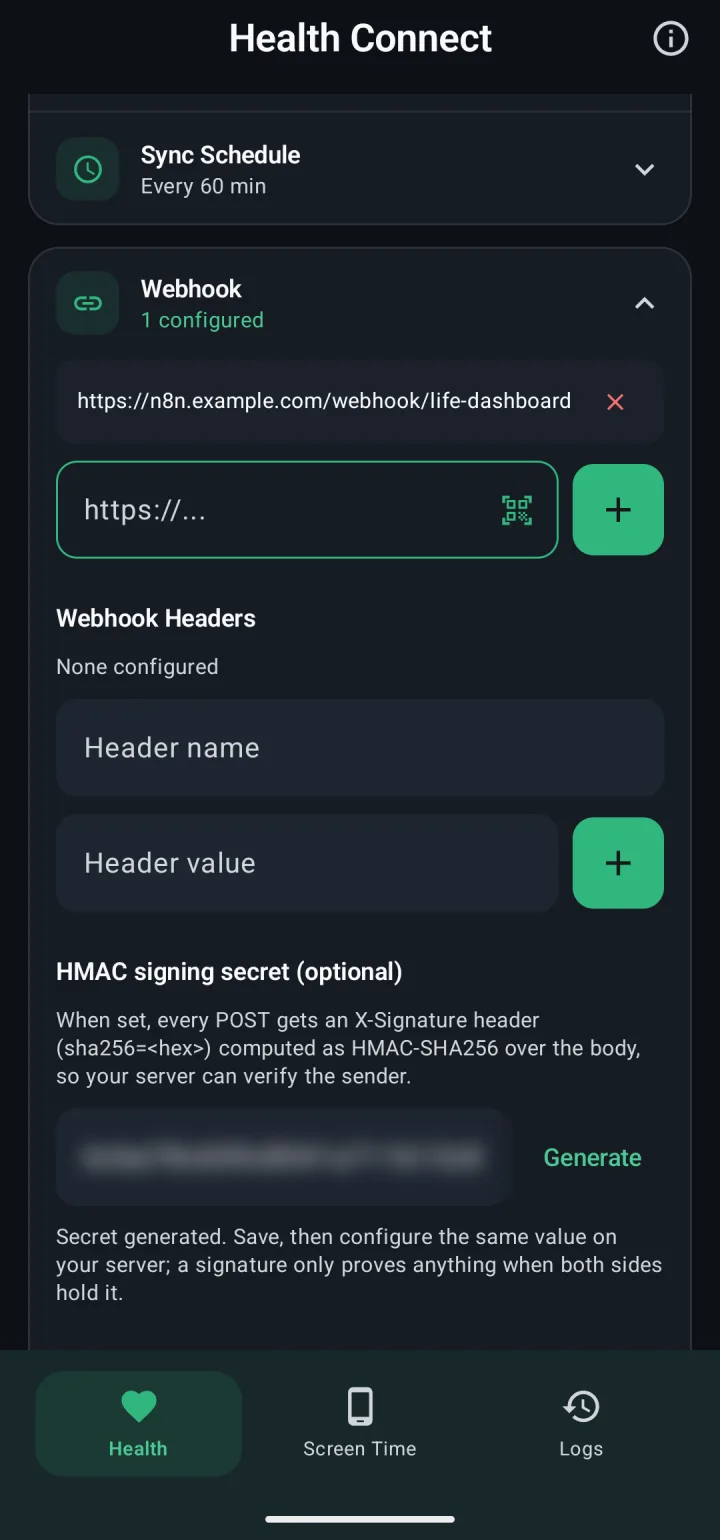
- In Life Dashboard Companion, on the Health tab, open Webhook and add your URL under Webhook URLs.
- Under HMAC signing secret (optional), tap Generate and put the same value on your server.
- Tap Test ping, then Save Changes.
- Tap Grant and allow your data types and reading in the background. Switch on the types you want under Data Types.
- Keep Android from stopping the syncs: Settings > Apps > Life Dashboard > Battery, set to Unrestricted, and add Life Dashboard to Never sleeping apps under Settings > Battery > Background usage limits.
- Tap Sync Now. For older data, tap Backfill and pick 30d, 90d or 365d.
What you get
From Samsung's list of what it syncs with Health Connect, these are the types the app passes on:
| Area | Types |
|---|---|
| Activity | Steps, exercise sessions, total calories and distance from exercise, VO2 max from exercise |
| Sleep | Sleep sessions with stages |
| Heart and blood | Heart rate, blood pressure, blood glucose, oxygen saturation |
| Body | Weight, body fat, height, basal metabolic rate |
| Food | Nutrition |
Each request is a POST with one JSON object. Shortened, and without the uuid and source every record carries:
{
  "timestamp": "2026-10-04T07:15:02.481Z",
  "app_version": "1.23.0",
  "source": "health_connect",
  "sequence": 1842,
  "daily_totals": [
    { "date": "2026-10-04", "steps": 1204, "distance_meters": 911.6 }
  ],
  "sleep": [
    {
      "session_end_time": "2026-10-04T06:30:00Z",
      "duration_seconds": 28800,
      "stages": [
        { "stage": "deep", "start_time": "2026-10-03T23:00:00Z",
          "end_time": "2026-10-04T01:00:00Z", "duration_seconds": 7200 }
      ]
    }
  ]
}
Store records keyed on uuid, which stays the same when a record is sent again, and use daily_totals for steps, distance and calories, so a walk counted by phone and watch counts once. The payload reference documents every field.
What Samsung keeps to itself
Not in Samsung's list as of October 2026: stress, ECG, Energy Score, heart rate variability, skin temperature, respiratory rate, resting heart rate and cycle tracking. What Samsung Health shares can change with any version, so check on your own phone under Health Connect's app permissions for Samsung Health.
A live sync, not a one-off file
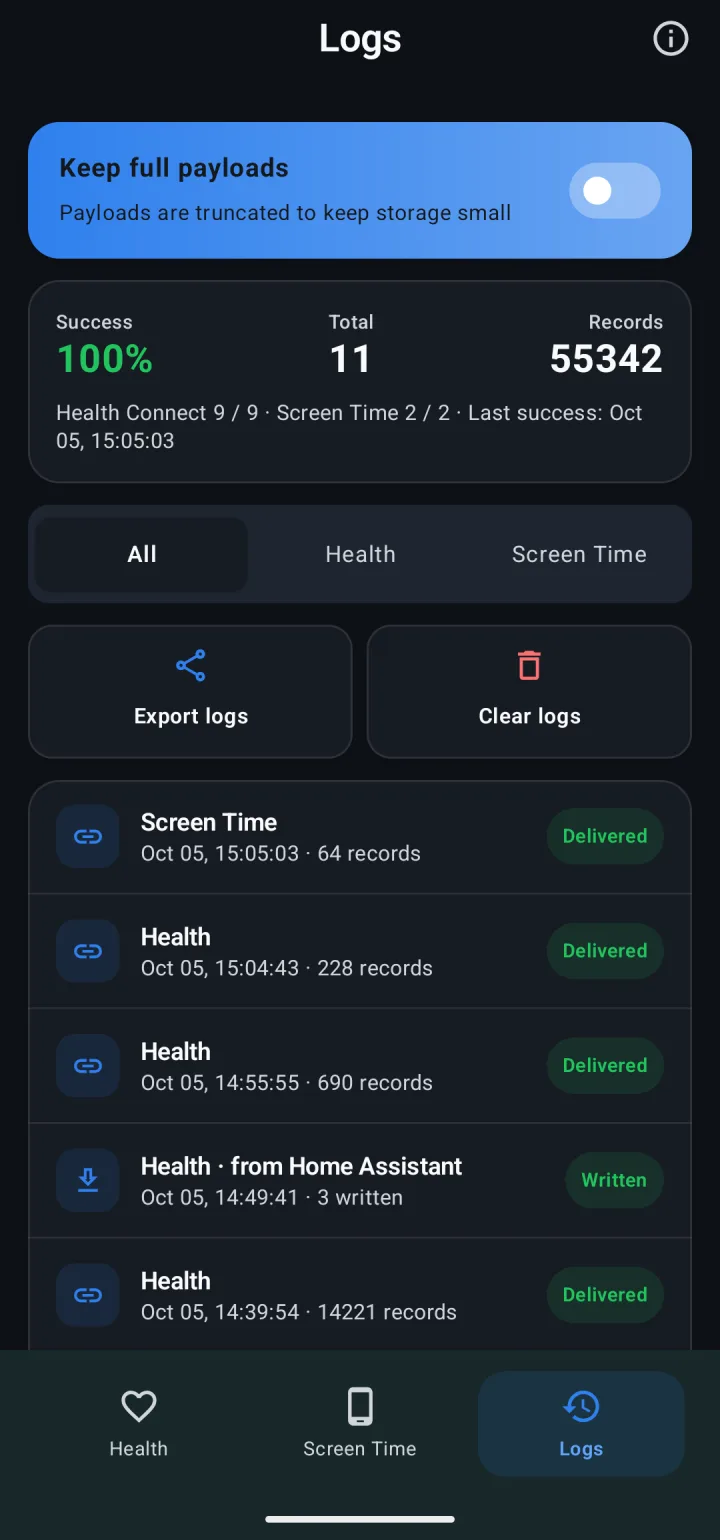
This isn't a CSV of everything Samsung Health ever stored. The first sync sends the last 7 days, and every sync after that sends what's new or changed, every 60 minutes by default or at fixed times. A backfill reaches up to a year back, as far as Health Connect holds data. Your receiver decides the format: rows in Postgres, a CSV file, or anything else.
Whether your older Samsung Health history is in Health Connect is up to Samsung Health, and Samsung doesn't say. Its guide only says that once you connect the two, new or updated data is shared. To see what Health Connect holds, run a 365d backfill after Grant history access: it sends everything Health Connect has in that year for the types you switched on, so the oldest day that reaches your receiver is how far back your data goes.
Receivers that work: the Life Dashboard stack with Postgres and Grafana, an n8n Webhook node, Node-RED, or a short script. The payload reference has a Python and a Node.js receiver to start from.
Limits
- Watch data reaches Health Connect after it reaches the phone: when the watch reconnects, or when you open or pull down the Samsung Health home screen. Samsung holds back continuous heart rate for a while to save battery.
- Data from more than 30 days before you first gave the app access needs Health Connect's history permission, which the backfill dialog asks for with Grant history access.
Switch on Health Connect in Samsung Health, install the app, and tap Test ping against your URL.
Get the Android app Payload referenceCommon questions
Is there a Samsung Health API I can call from my server?
Not for your own data. Samsung has no cloud API you can connect to, and its data SDK is for registered partners. Health Connect on the phone is the open route.
Can I get a CSV file?
Not from the app. Health data leaves it as JSON, and your receiver can write CSV if you want that. Export on the Health tab shares what the next sync would send, as JSON.
Can I send it to Home Assistant as well?
Yes. Pair the Life Dashboard integration, as in Samsung Health in Home Assistant, and each payload goes to both. It counts as delivered once one of them accepts it, so a destination that's down at that moment misses it.